
Which printer technology works best for miniatures, Best Miniature 3D Printers for Detailed
Quick answer: For 28 mm tabletop miniatures, a resin printer beats an FDM machine on detail every time. Resin cures an entire layer under UV light rather than extruding a single line of melted filament, so it resolves faces, chainmail and cloak folds that FDM blurs into visible ridges. An entry-level resin printer, such as the Elegoo Mars or Anycubic Photon series, is the best starter 3D printer for minis, while an FDM printer like the Bambu Lab A1 Mini suits terrain, scatter scenery and oversized models better. Hobbyists who want production-quality figures without buying or maintaining equipment can also send files to a professional 3D miniature printing service, such as 3D Printings, and get resin, SLS or PolyJet results without any of the workshop setup.
This guide covers which printer technology to buy, the best budget 3D printers for miniatures on the market today, the features actually worth paying for, how to run a safe resin workflow from file to finished model, the mistakes that ruin otherwise good prints, and when outsourcing to a professional service is the smarter commercial decision.
What’s the best 3D printer for miniatures right now?
There is no single best miniature 3D printer, because the right machine depends on what is being printed. A 28 mm character model, a squad of twenty identical troopers and a dungeon tile need different things from a miniature 3D printer, and buying on resolution alone leads to disappointment.
| Printer | Technology | Best for | Budget tier |
|---|---|---|---|
| Elegoo Mars series | Resin (MSLA) | First detailed character miniatures | Budget |
| Anycubic Photon series | Resin (MSLA) | 28 mm figures, chainmail and facial detail | Budget to mid-range |
| Larger-format resin printers (e.g. Elegoo Saturn series) | Resin (MSLA) | Full squads and army batches in one run | Mid-range |
| Bambu Lab A1 Mini (0.2 mm nozzle) | FDM | Terrain, scatter scenery, dungeon tiles, oversized models | Budget |
| 3D Printings on-demand service | Resin, SLS, PolyJet | One-off display pieces, full armies, no equipment to own | Pay-per-print |
For most hobbyists starting out, the practical answer is: buy a resin printer for character miniatures, keep (or borrow) an FDM printer for terrain, and use a professional 3D miniature printing service for anything that needs to look better than a home setup can manage, or for projects too large to justify new equipment.
FDM vs resin for miniatures: which should you buy?
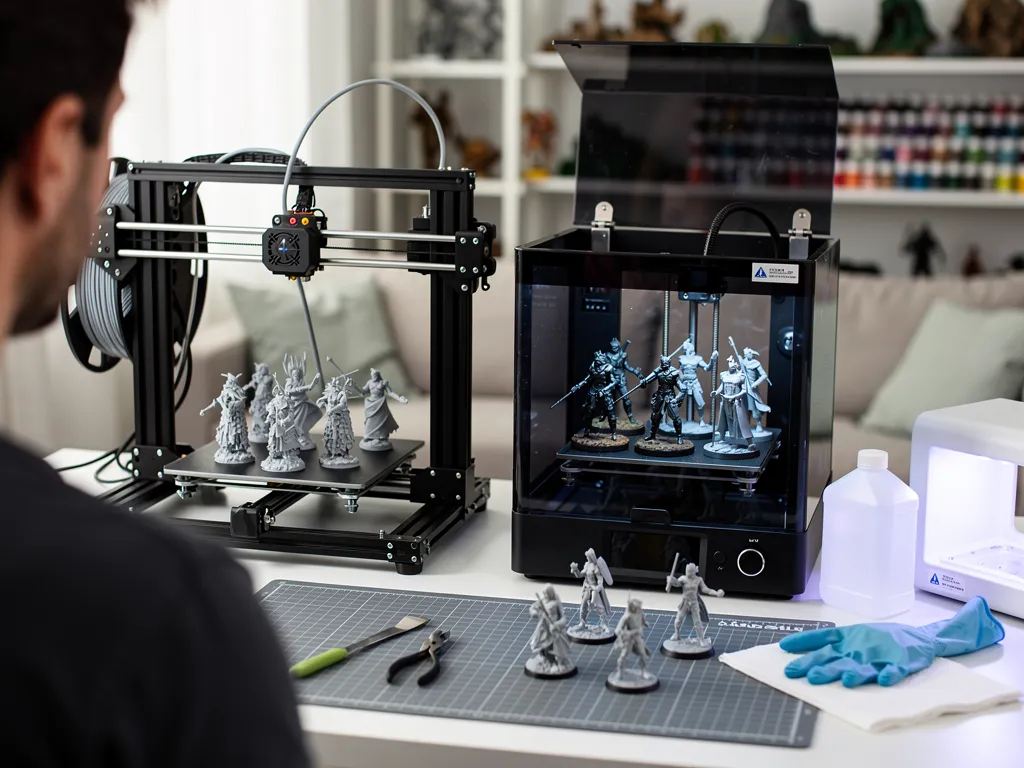
This is the first decision every new tabletop hobbyist has to make, and it comes down to what the model needs to do.
Resin (MSLA/SLA) printers cure liquid photopolymer with UV light, layer by layer, through a masked LCD screen. Because the entire layer cures at once rather than being drawn line by line, resin captures facial features, weapon details and fine cloth folds that FDM physically cannot reproduce at 28 mm scale. The trade-off is a chemical workflow: resin needs isopropyl alcohol for washing, a UV station for curing, and ventilated handling.
FDM printers extrude melted filament through a nozzle. The resulting layer lines are visible on small figures, which is why painted 28 mm characters from an FDM printer tend to look soft next to resin equivalents. FDM’s strength is everywhere else in a tabletop collection: terrain, dungeon tiles, vehicles, bases and scatter scenery, where surface texture matters far less than dimensional accuracy and build volume.
| Factor | Resin (MSLA) | FDM |
|---|---|---|
| Detail on 28 mm faces and chainmail | Exceptional | Soft, visible layer lines |
| Best use case | Character miniatures, display pieces | Terrain, props, large or batch prints |
| Workflow | Wash, cure, PPE, ventilation | Load filament, print, minimal post-processing |
| Running cost per model | Higher (resin, FEP film, consumables) | Lower (filament spools) |
| Beginner-friendliness | Moderate, chemical handling required | High, plug-and-play |
The practical rule most experienced painters land on: resin for anything that goes on the table as a hero or named character, FDM for anything that forms the scenery around it.
Best budget 3D printers for miniatures and where to start
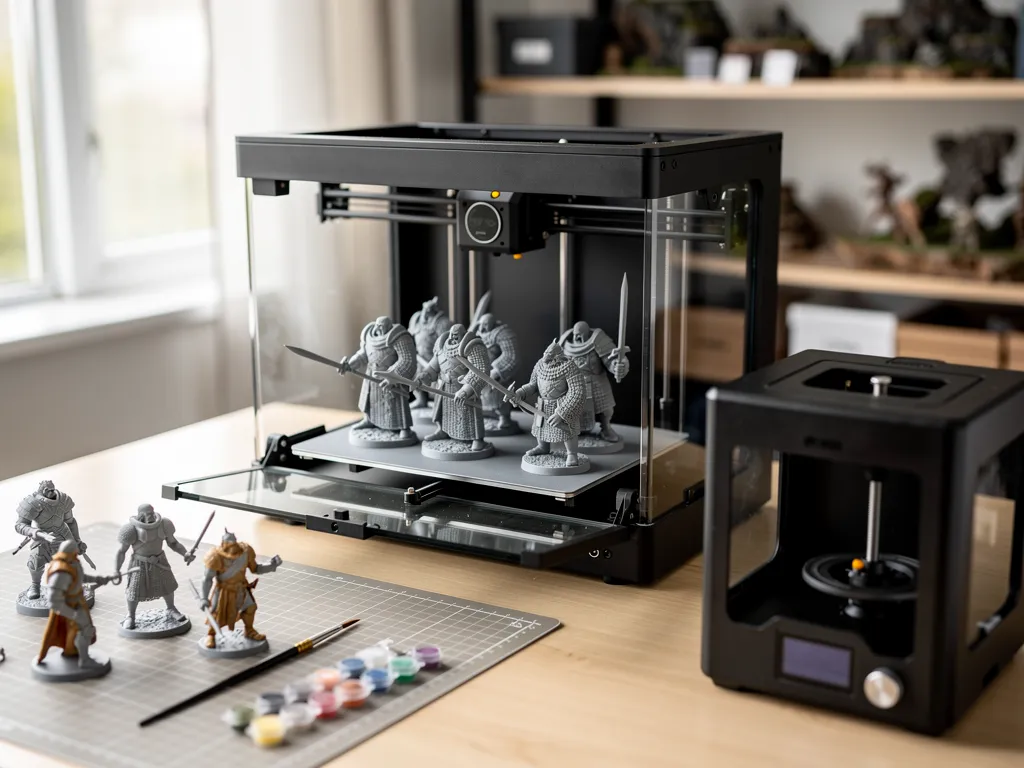
A starter 3D printer for minis does not need to be expensive to deliver paintable detail. These are the categories worth shortlisting:
- Elegoo Mars series — the benchmark entry-level resin printer for 3D printing tabletop miniatures. Delivers chainmail texture, weapon detail and facial definition that no filament printer can match at this price point, with a build volume suited to single figures and small squads.
- Anycubic Photon series — a close competitor to the Mars line, widely used by painters who print individual character models and small unit batches, with slicer support across Chitubox and Lychee.
- Larger-format resin printers (such as the Elegoo Saturn series) — worth considering once a hobbyist is printing full army batches rather than single figures; a bigger build plate means fewer print sessions per squad, at a higher upfront cost.
- Bambu Lab A1 Mini with a 0.2 mm nozzle — the best budget FDM option for terrain, dungeon tiles and larger monsters, and the only entry on this list with a genuinely zero-chemical workflow, which matters for anyone printing in a share house or a workspace without ventilation.
Beginners consistently get better results mastering one reliable entry-level resin printer before upgrading, rather than chasing a larger or higher-resolution machine before they understand supports, exposure times and wash-and-cure. The Elegoo Mars, Anycubic Photon and Bambu Lab A1 Mini each represent a proven, low-risk starting point.
Material choice also affects which printer makes sense for a given project; understanding 3D printing materials helps when specifying the right resin or filament rather than defaulting to whatever ships with the printer.
What features actually matter in a resin 3D printer for miniatures?
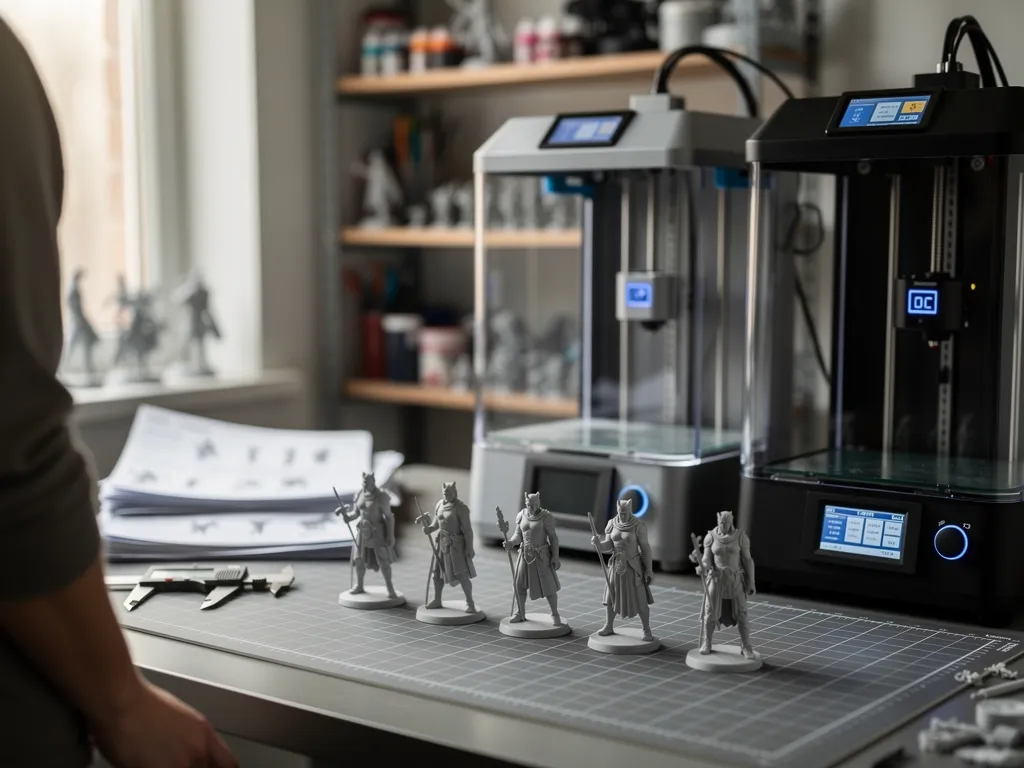
Specification sheets push screen resolution hard, but resolution is not where most print quality is won or lost.
Does screen resolution make a real difference?
An 8K screen at 22-micron pixels and a 16K screen at 14 x 19 microns produce painted figures that are, in practice, hard to tell apart once primed and painted. What actually separates a sharp print from a soft one is resin choice and support placement, not chasing a bigger resolution number on the box. Past roughly 20 microns, the returns on resolution diminish quickly for 28 mm tabletop work.
How much build volume does a hobbyist actually need?
A compact build plate handles individual character models efficiently and keeps resin costs down on small jobs. A larger plate prints an entire squad in one run, which matters more for wargaming armies than for a painter who mostly does single display pieces. Buy build volume for the kind of printing done most often, not for the occasional large batch.
Which slicer features prevent failed prints?
Slicer software with auto-support generation (Chitubox, Lychee, OrcaSlicer) handles most geometry automatically, but manual support editing remains essential for delicate cloak folds, weapon tips and outstretched arms that auto-supports tend to miss or over-support.
Why does bed levelling and adhesion matter for a first printer?
Poor first-layer adhesion is the single most common reason a beginner’s print detaches mid-run, wasting both resin and time. Auto-levelling and textured build surfaces reduce this risk substantially and are worth prioritising over resolution on a first purchase.
How to 3D print tabletop miniatures safely: a step-by-step workflow
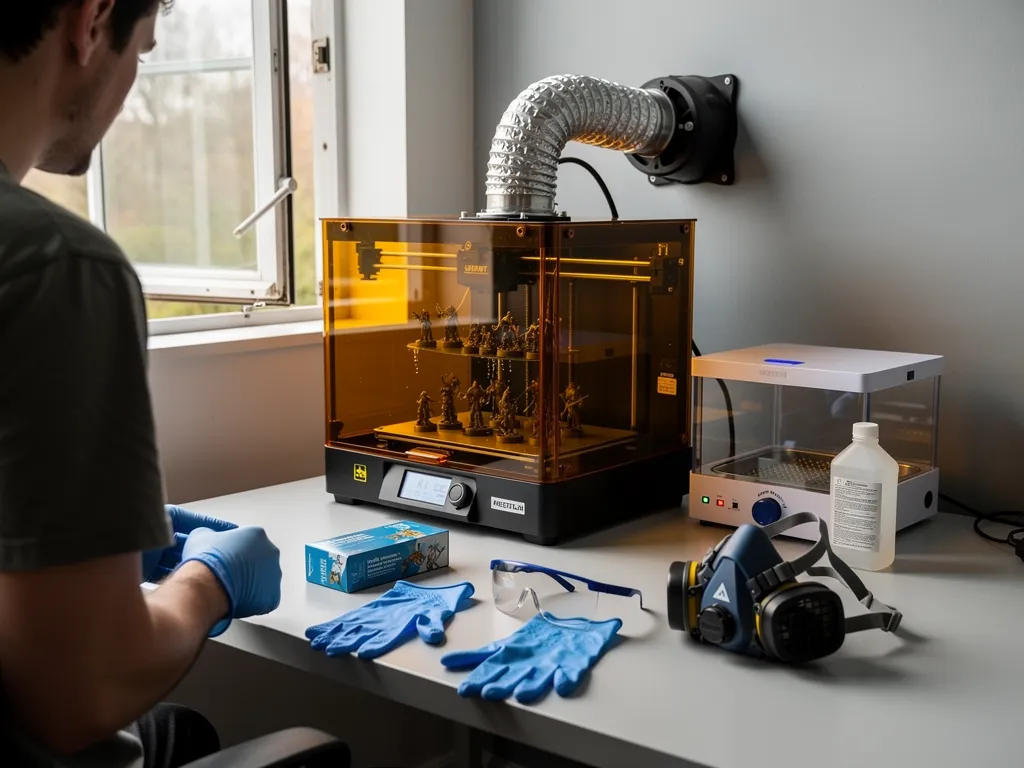
Resin printing delivers the detail, but it also carries chemical handling requirements that FDM does not. Skipping safety steps is the most common reason new hobbyists either get hurt or waste a print.
Required PPE before starting:
- Nitrile gloves, to prevent skin contact with uncured resin, a known irritant.
- Safety glasses, to protect eyes during pouring and washing.
- A respirator rated for organic vapours, for fumes that build up in enclosed spaces.
- Active ventilation (a duct-fan enclosure or window exhaust kit), because resin odour signals airborne compounds that need to be extracted, not just masked.
The print workflow, start to finish:
- Don nitrile gloves and eye protection before opening any resin container.
- Switch on ventilation and confirm the workspace has negative pressure or active extraction.
- Import the model into the slicer and hollow it to roughly a 2 mm wall thickness to cut resin use and peel force.
- Add drain holes at the lowest point facing the build plate so uncured resin can escape during printing.
- Auto-generate supports, then manually reinforce islands on overhanging details such as sword tips, fingers and cloak edges.
- Slice the file and transfer it to the printer.
- After printing, move the build plate to an isopropyl alcohol wash station before handling further.
- Cure washed prints under UV light for the resin manufacturer’s specified duration, no longer, no shorter.
Common mistakes that ruin miniature prints and how to avoid them
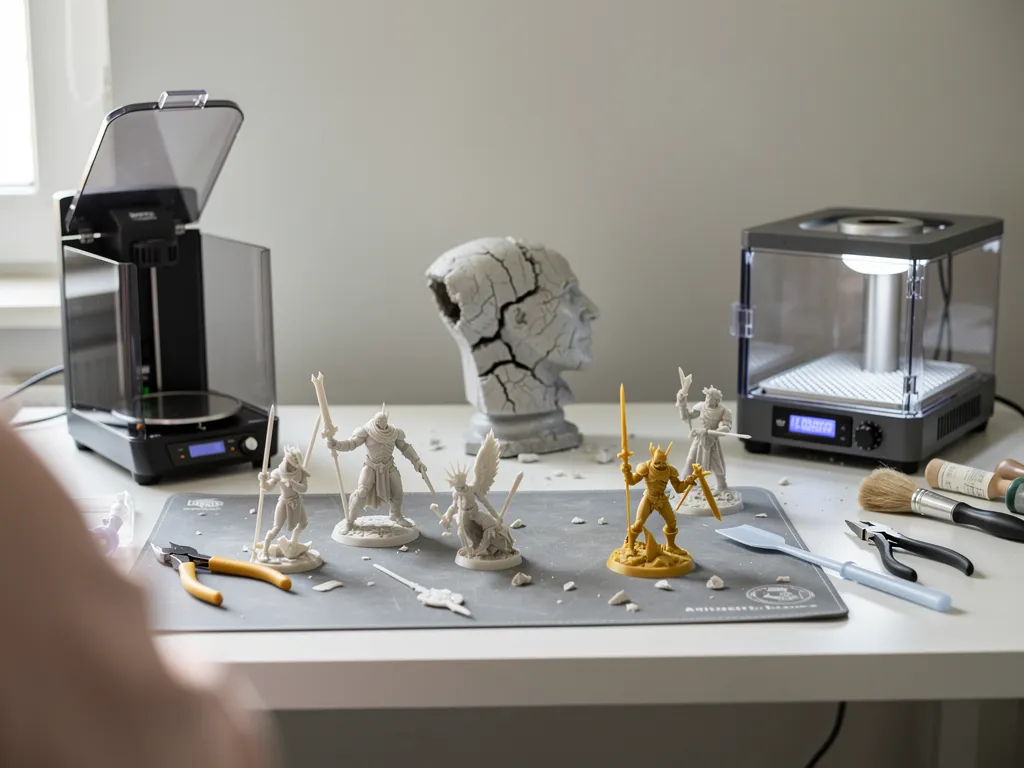
Most failed miniature prints trace back to one of a handful of repeatable errors, not bad luck:
- Under-supporting thin features. Sword tips, spears and outstretched fingers need light, deliberately placed supports; relying entirely on auto-support settings tends to snap these features during the peel.
- Over-curing resin. Curing past the manufacturer’s recommended time makes models brittle and prone to snapping during handling or painting, not stronger.
- Skipping hollowing on solid models. A solid figure uses far more resin than needed and increases peel force on every layer, raising the odds of a failed print partway through.
- Ignoring FEP film wear. A scratched or cloudy FEP film on the vat causes cloudy exposure and layer failures; it is a consumable, not a one-time part.
- Wrong orientation on the build plate. Printing a figure standing straight up concentrates peel force across the widest cross-section; angling the model reduces the surface area the printer has to peel away from at each layer.
- Rushing the wash-and-cure cycle. Under-washed prints stay tacky and attract dust and fingerprints during priming; this is one of the most common causes of a paint job that will not hold.
When does outsourcing to a miniature 3D printing service make sense?
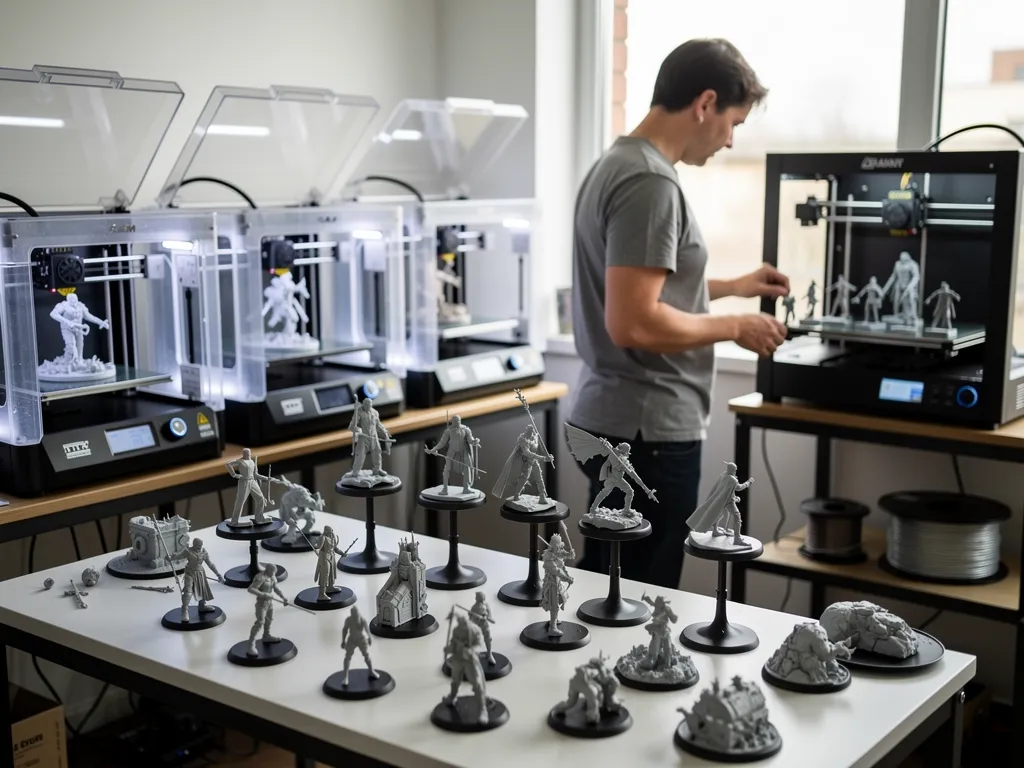
Buying a printer is not always the right first step, and for some projects it is not the right step at all. A professional 3D miniature printing service covers the gap between a home setup and the detail a project actually needs.
What does owning a 3D miniature printing machine actually cost?
The purchase price is only part of the investment. Wash and cure stations, resin or filament, FEP film replacements and PPE all add up, and a single failed print wastes both material and setup time. For a hobbyist printing occasionally, these recurring costs can outweigh what outsourcing would have cost for the same number of models.
What can a professional service do that a home printer can’t?
3D Printings operates SLA, SLS, FDM and PolyJet technologies, giving access to isotropic strength and microscopic layer heights beyond what consumer-grade machines achieve. PolyJet in particular enables multi-material and ultra-fine display masters; see PolyJet 3D printing for how that technology applies to production-ready miniature masters. As an Australian-owned company, 3D Printings offers professional resin and SLS printing on-demand, with fast turnaround and nationwide delivery, and a client-first approach that guides hobbyists through design and support decisions rather than leaving them to trial-and-error.
When does outsourcing beat buying, specifically?
- One-off projects. A single character or display piece rarely justifies the cost of a printer, wash station and curing setup.
- Space and safety limits. Resin printing needs dedicated ventilation and chemical handling; not every home or share house has that.
- Quality that exceeds consumer equipment. Industrial-grade resin, SLS and PolyJet systems resolve finer detail than most hobbyist machines.
- Scaling an army without scaling equipment. A full squad or faction can be produced to a consistent standard without multiple print sessions on a small home plate.
Hobbyists based in Victoria can access this directly through the 3D Printing Melbourne facility, which scales from single miniatures to small production runs rather than forcing every job through the same home-printer bottleneck. For a quote on a specific project, 3D Printings can be reached on +61 1300 143 540.
Conclusion
Choosing the best 3D printer for miniatures comes down to matching the technology to the job: resin for character detail, FDM for terrain and scale, and a professional service for anything a home setup cannot justify on cost, space or quality grounds. A starter resin printer like the Elegoo Mars or Anycubic Photon is the right first purchase for most painters, an FDM machine like the Bambu Lab A1 Mini covers the rest of the table, and outsourcing to a provider like 3D Printings closes the gap whenever a project calls for production-grade results without the equipment, consumables and safety overhead of running it at home.

Ashish Magoo is an Engineering Manager at CAD Deziners with over 10 years of experience in product design, prototyping and manufacturing. He guides engineering teams and shares practical insights on CAD design, product development, 3D printing, reverse engineering and manufacturing processes.
Areas of expertise
- Product Design
- CAD Engineering
- Prototyping
- 3D Printing
- 3D Scanning
- Manufacturing